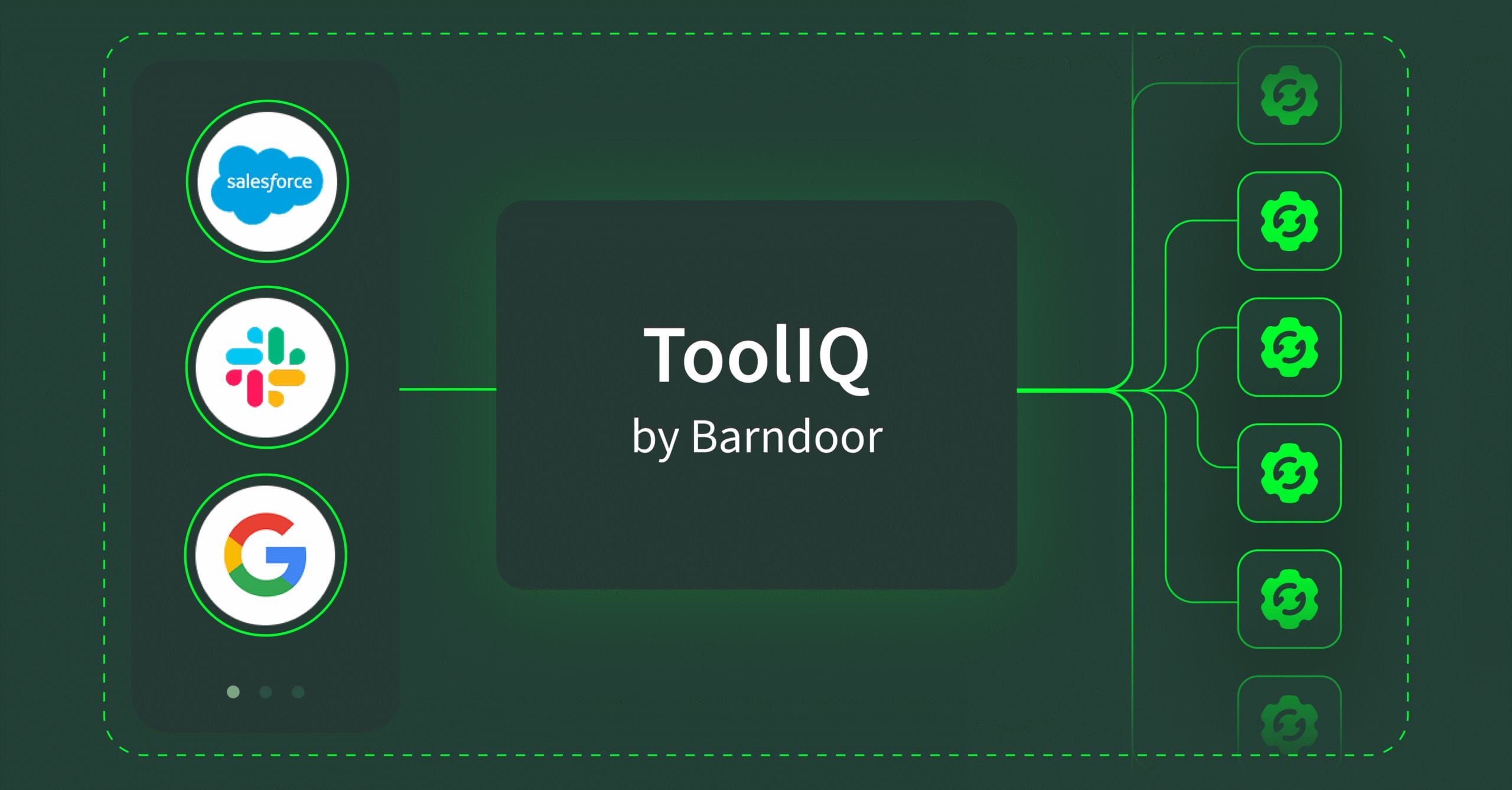
TL;DR: ToolIQ by Barndoor solves the enterprise MCP scaling problem that prevents AI from working across business systems. When organizations connect more than 2-3 MCP servers, AI deployments break down—costs spike, accuracy collapses, and complex workflows fail. ToolIQ delivers 95% reduction in AI processing costs, improved output accuracy, and enables scaling from 2 to 100+ MCP servers without performance degradation. Organizations deploy in days with zero operational overhead, turning limited AI pilots into production-ready, enterprise-wide deployments.
AI pilots show real promise. Demos impress stakeholders, employees see possibilities, and the business case looks solid. Then comes the move to scale across more systems. The AI that works smoothly with Salesforce needs to connect with Slack, Google Drive, support systems, and internal databases. That’s when challenges surface—costs become harder to predict, results become less consistent, and systems struggle with the complexity of a full tech stack.
This is the wall every enterprise hits when deploying Model Context Protocol (MCP) at scale. The issue isn’t MCP itself—it’s that connecting more than a handful of systems exposes hard technical limits that make production usage impractical. Teams face the same pattern: degraded performance, escalating costs, and AI applications that can’t complete the tasks employees need them for. Understanding why this happens—and how to build around it—determines whether AI and MCP investments deliver measurable value or become stalled initiatives.
The Reality of MCP Context Limits in Production
Here’s what actually happens when you scale MCP connections in production environments:
Your first MCP server works well. Connect Salesforce through MCP and your AI apps can query customer data, update records, and generate reports. Performance is strong, costs are reasonable, and your team sees the potential.
Your second and third connections start showing problems. Add Slack for internal communications and Google Drive for document access, and suddenly the LLM or agent takes longer to respond and costs balloon. The agent occasionally picks the wrong tool—searching Google Drive when the data lives in Salesforce, or pulling from Slack channels when it should be querying structured CRM data. The quality of outputs start to degrade.
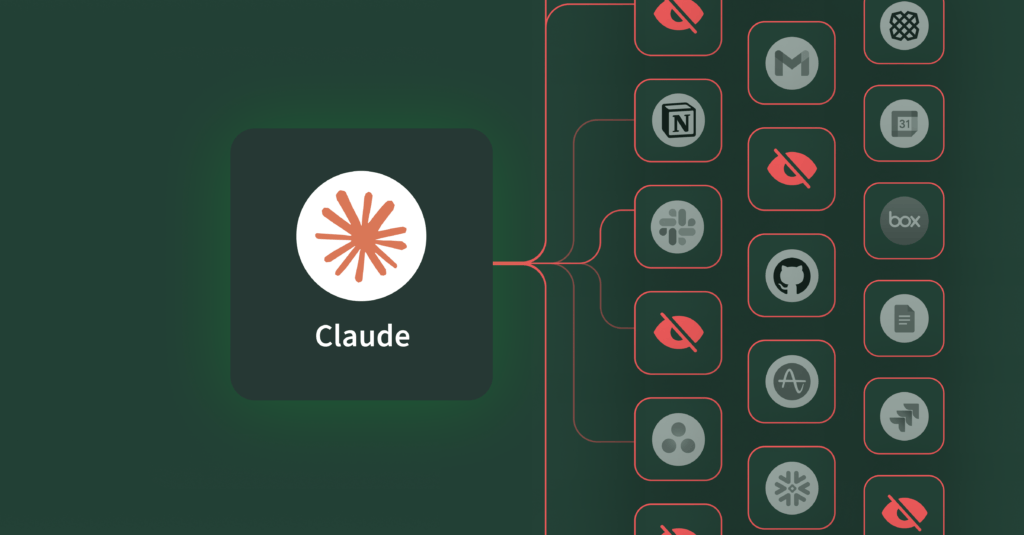
By your fifth connection, the system becomes unreliable. Connect your full stack—CRM, internal communications, document repositories, support ticketing systems, financial databases—and your AI requests can’t be executed. Conversations that require multiple back-and-forth exchanges fail, agents time out, and costs become unpredictable. The system that worked beautifully in demos can’t handle production scale.
The root cause is context window exhaustion. Here’s what that means in business terms: Your AI spends 80-90% of its processing capacity reviewing tools it won’t use. It’s like paying expert consultants to read through your entire company directory and every department’s procedure manual before they answer a single question. You’re not paying for their expertise – you’re paying for them to wade through irrelevant information. Just like with people, overwhelming AI with information doesn’t improve outcomes, it degrades them.
Three Ways Context Limits Kill Enterprise AI Deployments
- AI Costs Become Unpredictable and Uncontrollable
When most of your AI’s processing power goes to loading tool catalogs instead of answering questions, costs scale in the wrong direction. A simple query that should cost pennies suddenly costs dollars because the AI is processing massive amounts of information before it can start working. Multiply that across thousands of employee queries per day and your AI budget spirals out of control.
The financial impact goes beyond direct costs. When each query takes longer and costs more, you either throttle usage—limiting who can access AI tools and when—or you accept budget overruns.
- Employee Trust in AI Tools Erodes
AI presented with hundreds of similar-sounding tools makes mistakes. Your AI searches the wrong system, applies the wrong function, or chains together tools that don’t actually solve the user’s problem. This isn’t an AI capability issue—it’s a fundamental problem of too many options. When your AI has to evaluate 500 tools to pick the right three, accuracy degrades regardless of how smart the underlying model is.
These failures erode trust fast. Employees stop using approved AI tools when they can’t rely on consistent results, and your adoption metrics stall.
- High-Value Use Cases Can’t Be Deployed
The context problem gets worse with each interaction in a conversation. Even when the AI picks the right tools, the results take up additional processing capacity. Search emails and each message the AI retrieves fills more of its working memory. After loading four to five emails, you’ve maxed out what the AI can process. Workflows that require multiple steps across different systems—like “find relevant emails, summarize the key decisions, then create action items in our project management tool”—simply don’t work at scale.
This is where the promise of AI-powered automation breaks down in practice. You can’t build reliable business processes on infrastructure that fails when tasks get complex.
Why Common Scaling Approaches Don’t Work
The instinct is to work around the problem: create specialized AI apps for each business domain, maintain configuration files mapping users to tool permissions, or add instructions telling the AI to ignore irrelevant tools.
These approaches fail for different reasons, but the outcome is the same—they don’t solve the underlying memory problem:
Domain-specific agents defeat the purpose of using AI in the first place. The value isn’t automating tasks within a single system—it’s reasoning across your entire stack to connect insights and solve problems that span multiple tools. Siloing agents by domain rebuilds the integration complexity MCP was meant to eliminate.
Manual configuration management creates operational overhead that doesn’t scale. One public enterprise software company we spoke to required a full-time engineer just to update MCP tool configurations. Every new server, every tool change, every role modification meant manual updates across dozens of agents.
Instructing the AI to ignore tools doesn’t work because AI processes information that’s loaded in its working memory whether you tell it to ignore it or not. Telling the AI to “only use relevant tools” doesn’t reduce memory consumption or improve accuracy when 500 tool descriptions are already taking up space.
Introducing ToolIQ for Scaling Enterprise AI
ToolIQ by Barndoor makes enterprise AI deployment practical by delivering:
- Cost efficiency at scale: When your AI only processes what it needs, your costs stay predictable regardless of how many systems you connect. Teams using ToolIQ report 95% reduction in AI processing costs per query—savings that compound across thousands of daily interactions. Your AI budget becomes an expense you can forecast and control, not a variable cost that spirals as usage grows.
- Cross-system intelligence that actually works: Your employees can ask questions that span your entire tech stack and get accurate answers. Marketing can analyze campaign performance using data from your CRM, email platform, and analytics tools in a single conversation. Finance can pull spend data from accounting systems, cross-reference with vendor contracts in document repositories, and identify cost-saving opportunities—all through natural language requests. The AI that works across systems is what makes AI transformative for business operations, not just a replacement for basic search.
- Production deployment without operational burden: Most AI initiatives stall because they require dedicated teams to configure, maintain, and troubleshoot integrations. ToolIQ removes that barrier. Your infrastructure scales as you add systems—new MCP connections, tools, and AI applications register automatically without manual configuration or engineering resources. Teams go from connecting 2-3 systems in limited AI pilots to deploying across their full stack in production, enabling organization-wide AI adoption instead of isolated experiments.
- The business impact is straightforward: you can deploy AI that delivers the productivity gains you expected when you invested in MCP. Your teams work faster because AI can access the information they need across systems. Your costs remain manageable because you’re not paying for wasted processing. Your deployment scales because the infrastructure handles complexity automatically.
The ToolIQ Impact:
- 95% reduction in AI processing costs through MCPs connected with Barndoor
- Improved accuracy in AI outputs
- Unlimited MCP connections without performance degradation
- Deploy in days with zero operational overhead
How ToolIQ Solves MCP Context Overload & Improves AI Outputs
When a request comes in from an AI apps, here’s what happens:
- Security and access control first: Barndoor evaluates which MCP servers and tools the user can access based on their role, the AI app they’re using, and the requested actions. Only tools that pass these pre-set policies are considered.
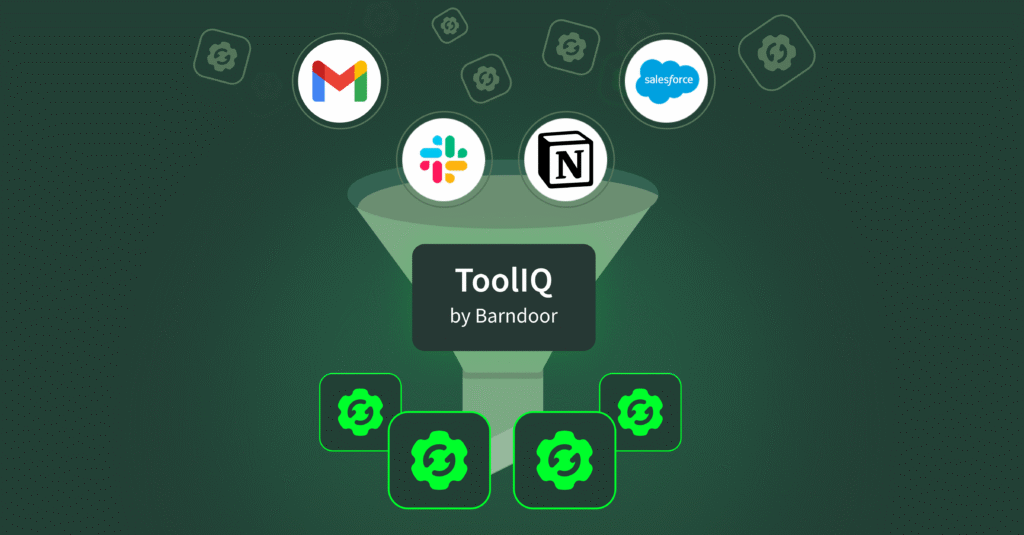
- Context filtering based on what the user is asking: ToolIQ analyzes the user’s request and filters your entire tool catalog down to 8-10 relevant functions with simple descriptions. Ask about Q3 sales performance and the system identifies CRM analytics and reporting tools, not your Slack integration or Google Drive functions. The AI gets relevant information instead of your complete catalog.
- The AI only loads what it actually needs: The AI gets complete details and executes functions only for tools already determined to be useful. By separating discovery from execution, ToolIQ ensures the AI makes informed decisions before loading the entire catalog of available tool information.
- Zero additional work required: What makes ToolIQ different is that it requires zero additional work from your users or your team. There’s no manual configuration to maintain, no instructions to write, no separate agents to manage. Connect your MCP servers and AI apps to Barndoor, set your access policies once, and intelligent routing happens automatically. Your employees ask questions in natural language, and the system figures out which tools are relevant based on what they’re asking—no technical knowledge required.
- Deploy in days, not months: Connect your MCP servers to Barndoor, add your AI apps, set your access policies once, and start running complex workflows immediately. No re-architecture of your current systems required. When you add a new MCP server, ToolIQ learns about new tools automatically and includes them in filtered results based on access and relevance. You can scale without operational overhead or manual updates.
Ready to deploy AI at enterprise scale?
ToolIQ is available now in Barndoor. Connect your AI apps, MCP servers, set your policies, and let intelligent routing handle the rest. Your AI deployment scales, your costs stay predictable, and your teams get AI that works across your entire stack.
Schedule a demo to see how ToolIQ enables reliable, cost-effective AI across your enterprise