The rise of AI tools and Model Context Protocol (MCP) servers has unlocked massive productivity gains—but it has also created a new and urgent problem: unsanctioned MCP traffic.
IT and security teams are discovering that this hidden wave of unsanctioned MCP traffic isn’t something traditional firewalls alone can manage. And without a strategy, it quickly becomes both a security gap and an operational burden.
What Is Unsanctioned MCP Traffic?
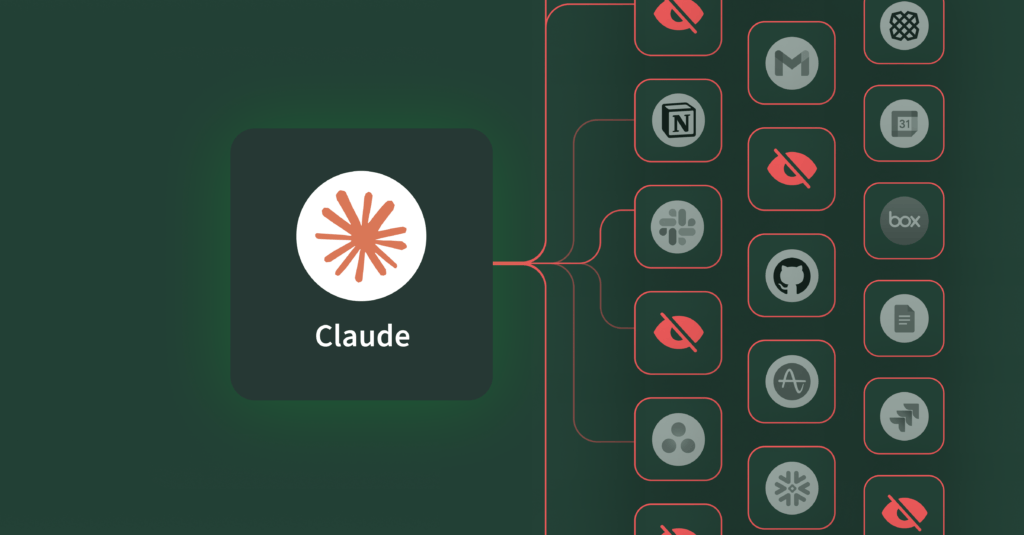
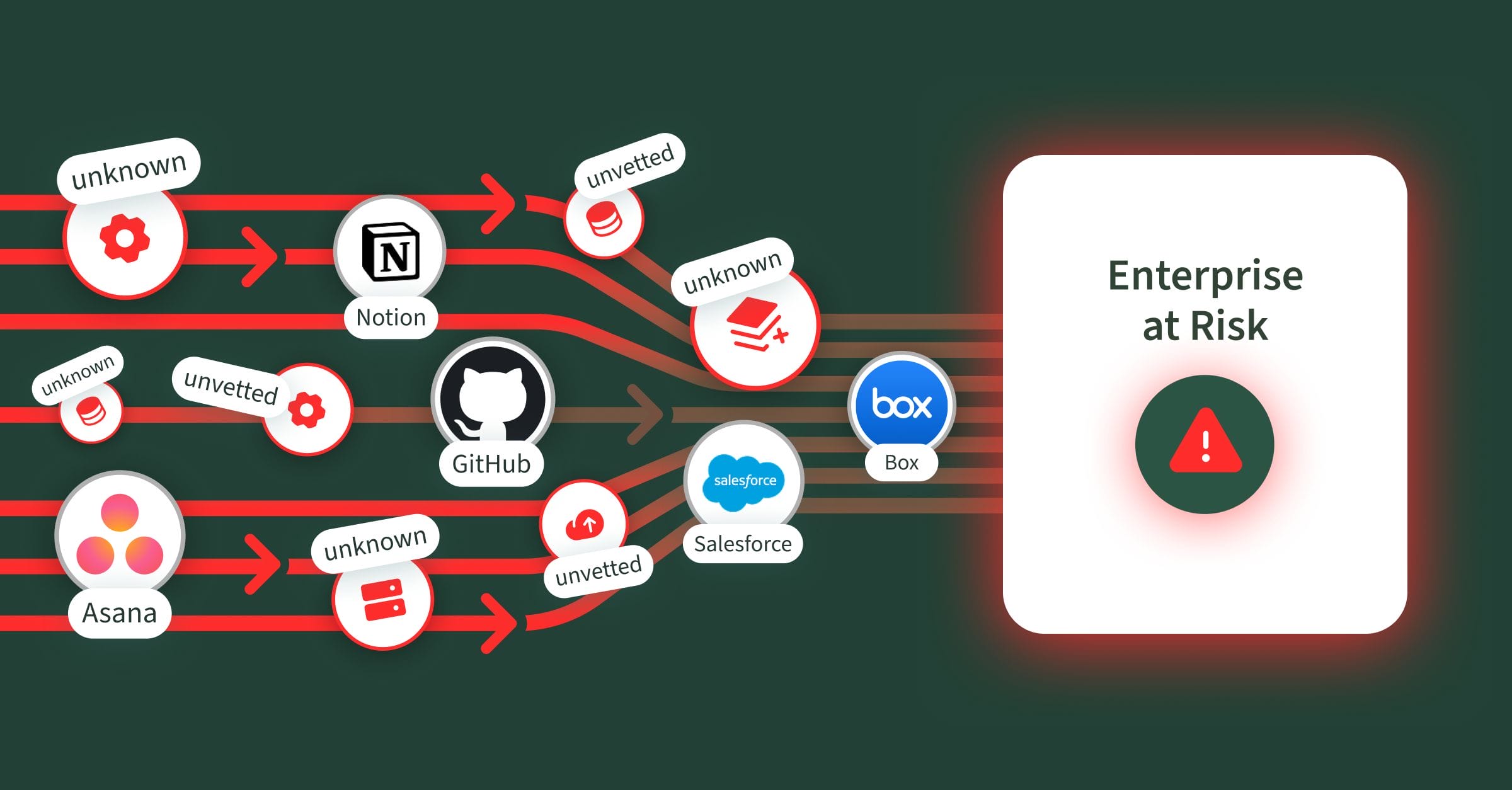
Unsanctioned MCP traffic occurs when employees connect directly without IT approval to official, vendor-supported first-party MCP servers—such as those from Notion, Salesforce, Asana, GitHub, Box, and more, or to third-party MCP servers spun up by individuals, research projects, or other sources that are not vetted or reliably hosted. Since this is done without IT oversight and governance, it increases the risk of exposure and security gaps.
In many ways, this is the new form of Shadow IT for AI—employees adopting tools and creating unsecured connections outside the guardrails of enterprise control. Without proper access controls, these connections can expose sensitive systems to unauthorized actions and data leaks.
Aside from IT and security teams lacking visibility, MCP servers themselves carry vulnerabilities—ranging from weak access controls to data leakage risks—that magnify the problem. A recent Asana MCP connector bug exposed project data across tenants, affecting nearly 1,000 organizations.
By contrast, sanctioned traffic is routed only through approved, vetted, and monitored MCP servers that IT and security teams explicitly authorize.
Why Does Unsanctioned MCP Traffic Happen?
Even with strong firewall rules and provider allow-listing, unsanctioned MCP traffic often slips through. Employees, in their drive to be more productive, spin up their own MCP connections or use third-party clients for quick data pulls, auto-updating tickets, code changes, or report generation—often outside official channels. Employees naturally want faster, smarter ways to get their work done, so they:
- Connect to unapproved public MCP servers for convenience
- Use third-party clients or share credentials without oversight
- Circumvent internal tools and processes to get work done faster
It’s super easy for a developer or business user to find an open-source MCP server, download it to their PC, and plug it into AI clients like Claude or Cursor. This is done completely below the radar, without any knowledge from the IT and Security teams. Not all platforms have official MCP servers (open-source or hosted), so the open-source community has built MCP servers of their own, and many developer/business users are using them.
This results in IT and security teams struggling to monitor, block, and remediate unauthorized connections—while underlying productivity needs remain unaddressed. So, what’s the solution?
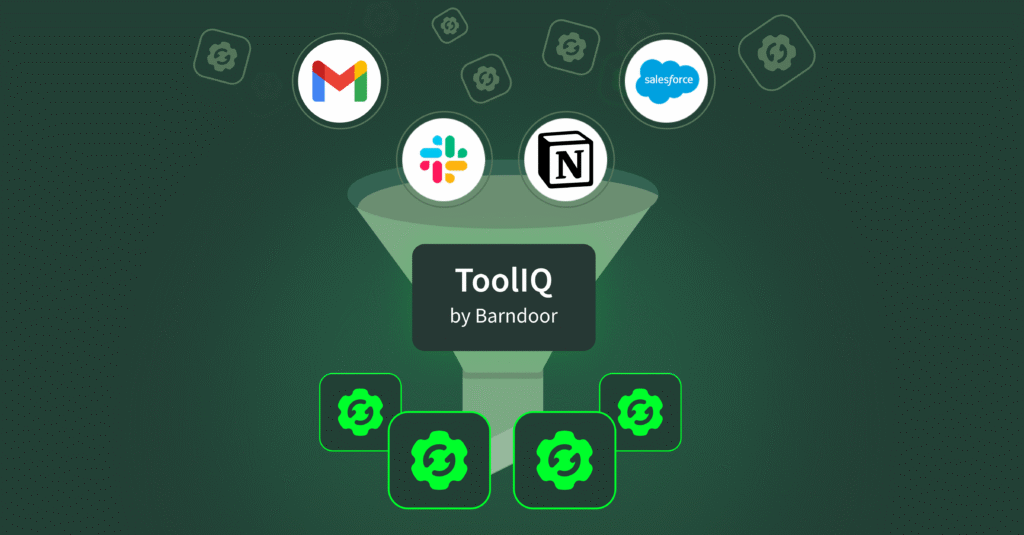
With Barndoor AI, enterprises can transform unsanctioned MCP traffic into sanctioned, controlled, and productive workflows.
The Barndoor Approach: Converting Unsanctioned MCP Traffic to Sanctioned 
Barndoor provides a structured, enterprise-ready approach to managing MCP traffic, empowering organizations to maintain control without stifling employee productivity:
1. Approved MCP Servers Only
With Barndoor, employees connect only to vetted, pre-approved MCP servers—not random public MCP servers. IT defines the allowed list of MCP servers, ensuring compliance and reducing exposure.
2. Centralized Secure Gateway
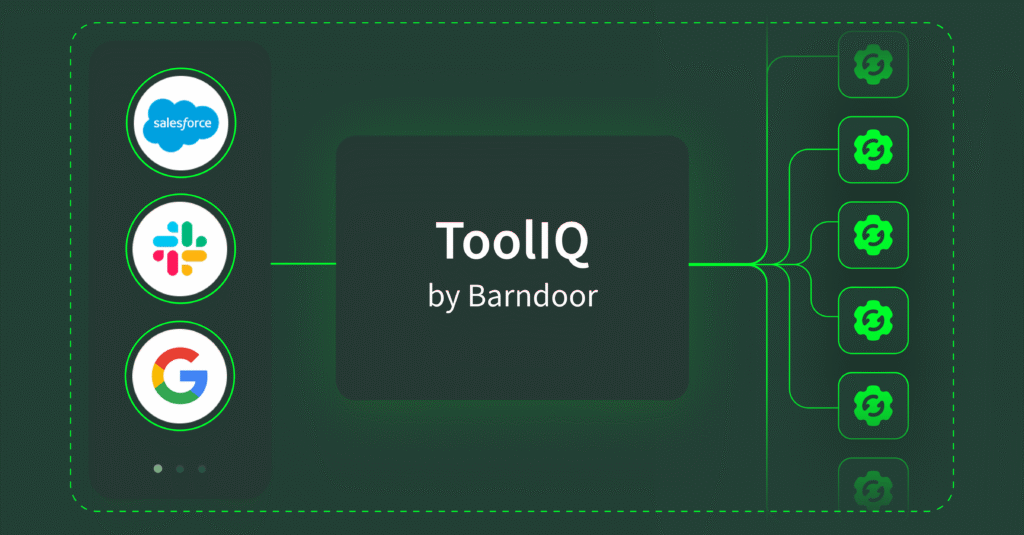
Barndoor makes MCP access an explicit, controllable process. Administrators must pre‑register or approve every application, tool, agent, and MCP server, rather than letting employees connect freely. End‑users then authenticate through Barndoor’s secure gateway before the system grants access to any MCP server. This two‑step approach ensures that only authorized connections occur and gives administrators clear, fine‑grained oversight of who can connect and what they can do.
3. Fine-Grained Access Control
Barndoor enforces policies down to the user, AI client, and tool level. Access is only granted if both the employee and the client are authorized for that specific MCP-server-tool combination. Barndoor’s access control allows customers to even go deeper and more granular, with custom conditions. For example, Barndoor can inspect a LLM’s tool request and based on custom rules, restrict the use of that tool.
4. Monitoring & Visibility
With Barndoor, every MCP connection is tracked, logged, analyzed, and flagged for IT, providing complete visibility into what’s happening in real time. The IT team now gets additional insights on which MCP servers are most used, via which agent/client, and what sort of requests are being made, transforming oversight from reactive monitoring into proactive governance.
Why IT & Security Teams Need This Now
Employees are already using MCP—sanctioned or not and this isn’t a problem that will fade away. As MCP adoption accelerates, unsanctioned traffic will only grow. Barndoor delivers the visibility, security, and control you need to move MCP deployments from pilot to production — faster and with confidence. With Barndoor, IT and security teams gain:

Discover how Barndoor can help your enterprise convert unsanctioned MCP traffic into fully controlled, secure, and productive workflows. Book a demo today!