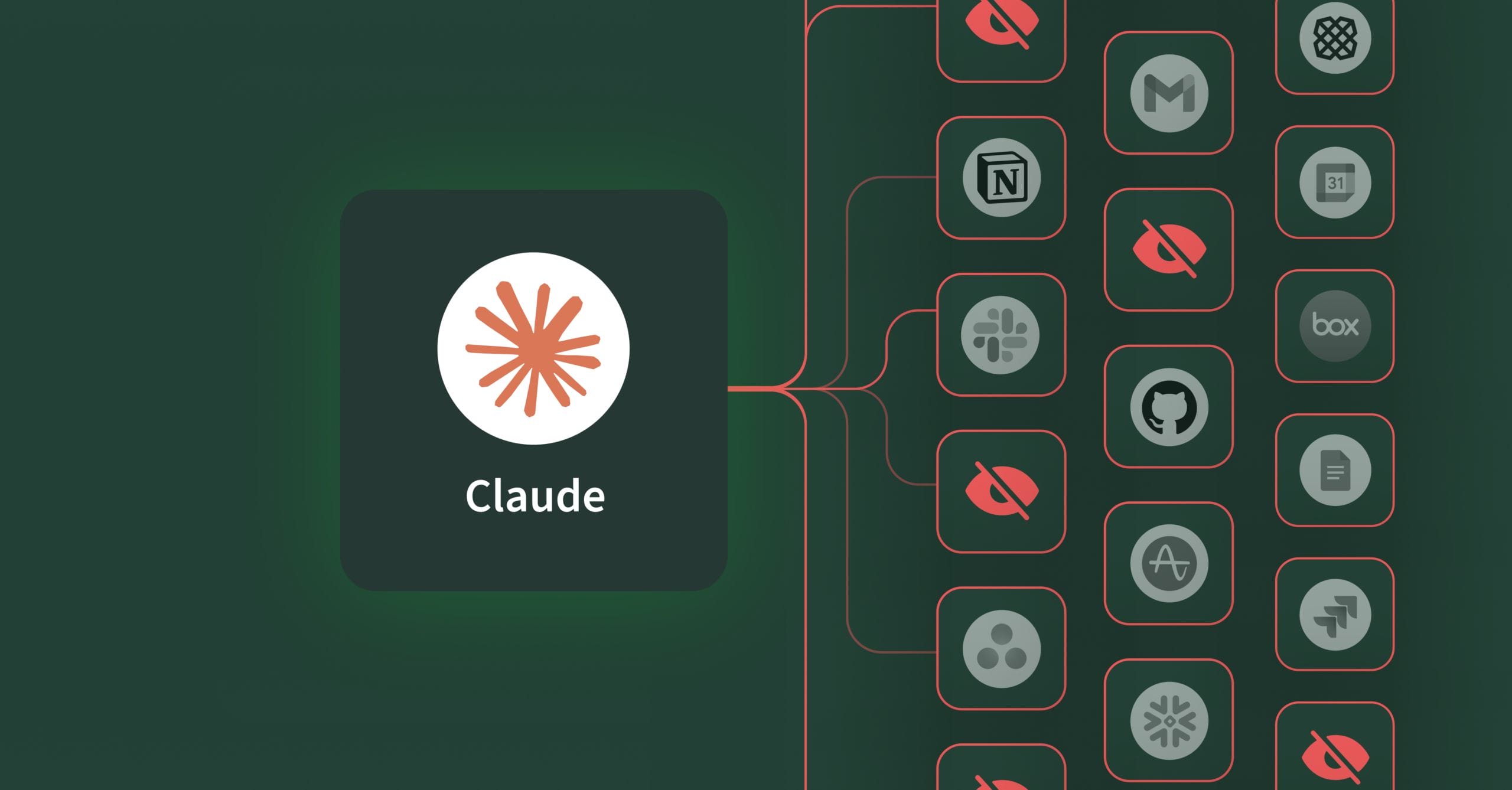
With the release of Claude Cowork and interactive apps, Anthropic turned Claude into an AI that can access and operate directly within your business tools. Knowledge workers can build project timelines in Asana, draft and send Slack messages, create diagrams in Figma, search Box files, and query data in Amplitude—all without leaving Claude.
This is exactly the productivity boost organizations want from AI. The problem? Your IT and security teams have no visibility or control when employees use their personal Claude accounts to authenticate with your business apps like Salesforce, Slack, Gmail, and Notion.
For IT and security leaders, these launches are a warning signal: Shadow AI and shadow MCP are about to explode across your organization.
Shadow AI expands into shadow MCP
You already know about shadow AI – 80% of workers, including 90% of security professionals use unapproved AI tools. But this is just the beginning. We’re now entering the shadow MCP era, and interactive apps multiply the risk.
Shadow AI refers to employees using unauthorized AI tools like ChatGPT, Claude, or Copilot without IT approval. They copy and paste sensitive data into chat interfaces, creating data leakage risks. The AI can read data that employees upload or paste into the chat but doesn’t have direct access to your systems.
Shadow MCP and interactive apps escalate the risks further. Claude isn’t just accessing systems – it takes action within them. It’s interpreting natural language, making judgement calls about actions in your business systems with no policy layer. Instead of employees pasting data into Claude, their AI assistant now pulls it directly from HubSpot, writes to your database, or modifies files in Google Drive autonomously.
The same pattern applies across every interactive app Anthropic announced and in many cases, your organization isn’t even aware this is happening:
- Claude posts messages to Slack channels based on conversational context, potentially sharing sensitive information with the wrong audience
- Claude creates new records in monday.com and assigns tasks to team members who may not have the right access or skills
- Claude updates all open opportunities in Salesforce when asked to “update the deal status,” affecting hundreds of records instead of the single deal intended
These aren’t just read-only operations or summaries. Claude is writing data, creating records, assigning work, posting messages, and updating fields, all based on its interpretation of conversational instructions. An employee might say “let the team know about the delay” and Claude posts to a public Slack channel instead of a private group. Someone asks to “update the deal value” and Claude changes the wrong record because it misidentified which deal was being discussed.
Shadow AI was a data leakage risk. Shadow MCP is a data breach waiting to happen and Interactive apps make it invisible.
The solution isn’t blocking AI tools. It’s enabling them safely with proper controls.
Watch the demo: With and without fine-grained authorization for AI
This demo shows the same Claude workflow operating in two scenarios – with and without governance.
Unmanaged AI agents: Claude autonomously connects to applications and creates records, updates deal values, and posts messages and operates outside IT visibility – no policies, no audit trails. The organization has no idea these AI-driven actions are occurring across their business systems.
Managed AI agents : Through Barndoor’s AI control plane, every Claude action is visible, evaluated, and controlled in real time. Barndoor enables safe operations, blocks risky actions, and requires human approval for sensitive changes. The difference is proactive control versus reactive damage control. Safe AI enablement versus unmanaged risk.
3 fundamental shifts to enabling AI safely with proper controls
Separate AI from human identity
AI and humans require different trust models. You might trust your finance director to post in the executive Slack channel and update compensation records. You shouldn’t automatically trust AI tools with the same access. An AI tool could post sensitive salary information to the wrong channel, update employee records based on misinterpreted context, or create financial reports with incorrect data, even if your finance director authorized it.
With interactive apps, this becomes even more critical. When Claude interprets “update the timeline” and starts creating tasks and assigning people, your system needs to evaluate whether those specific write operations are allowed based on AI-specific policies, not just the employee’s blanket permissions.
Implement fine-grained authorization for every AI action
Every time an AI agent tries to access data or take an action, your system should evaluate:
- Which specific user authorized this AI? (Note: there may be situations where there isn’t a human behind it; when there is, you should know who it is)
- What system is the AI trying to access?
- What exact action is it trying to perform? (Read, create, update, delete, post, assign)
- What specific data is involved?
- What tool or function is it trying to execute?
- Does this combination meet your policy requirements?
This is Fine-Grained Authorization (FGA) applied to AI, and it’s the only way to maintain control at the scale and speed AI operates.
Create a central registry for AI agents and MCP connections
You can’t control what you can’t see. Think of this like an app store where employees can discover approved connections they can use, not just track the ones they’re already using. You need visibility into every AI tool employees have connected to your systems, which MCP servers are running in your environment, what access each AI agent has been granted, and real-time monitoring and logs showing what AI agents are doing.
Barndoor solves shadow MCP
Barndoor was built specifically to solve the AI access control problem. Here’s how we give you control without blocking productivity:
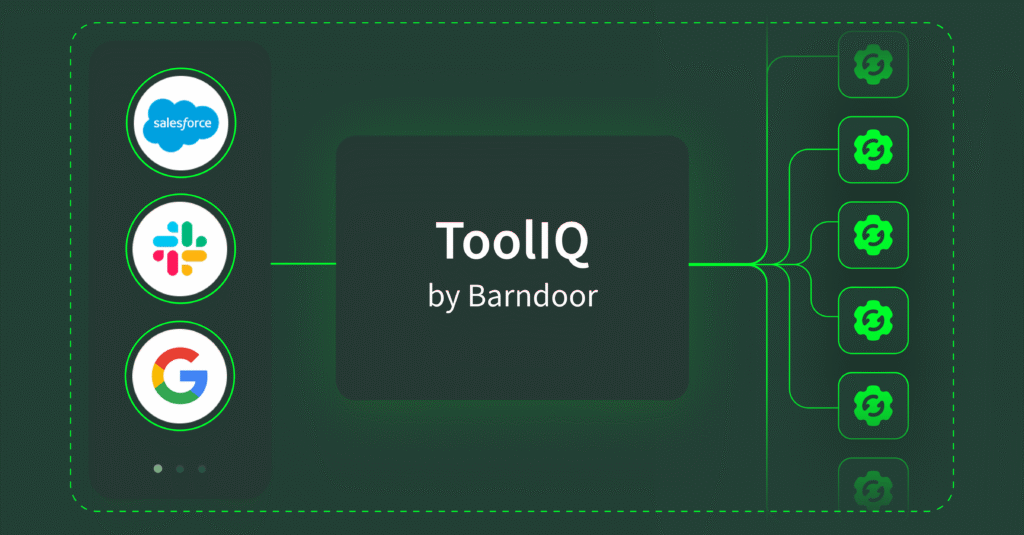
AI and MCP registry: See every AI agent and MCP connection in your organization. Know which employees have authorized which tools, what systems they’ve connected to, and when those connections were established. When an employee connects Claude to Asana, Slack, or Box through interactive apps, even with a personal account, Barndoor knows about it.
Fine-grained authorization engine: Our policy engine evaluates every AI action request across six dimensions: user context, system context, data context, tool context, action context, and AI context.
Here’s what a real policy looks like in practice: Marketing managers can use Claude to draft and post content to their team channels, but the policy prevents accidental sharing of financial data to public channels or cross-regional teams.
Policy example: marketing–slack–posting
- Identity context: user.role: marketing-manager, user.region: us
- AI agent context: agent.application: claude
- Resource context: resource.mcp_server: slack
- Allow: #us-marketing-team, #global-marketing-team, #us-sales
- Deny: #all-company, #uk-sales
- Data classification context: Block if message contains currency symbols ($, €, £, ¥) or financial keywords (revenue, budget, forecast, pricing)
- Action context: action.operation: post_message (allow), action.operation: delete_message (deny)
This level of granularity means you can enable AI productivity while maintaining strict control over sensitive operations, even when Claude is interpreting natural language and taking write actions through interactive apps.
Complete visibility and audit trail: Monitor AI activity in real-time or review the full historical actions. See exactly which employee authorized which AI to take which action on what data. When an incident occurs, like Claude posting sensitive information to the wrong Slack channel or updating critical Salesforce fields based on misinterpreted instructions, you know immediately what happened and can trace the full context, and remediate quickly.
See how Barndoor prevents AI security incidents before they happen. Start a free 14-day trial to see our AI control plane in action.