I just spent dozens of hours testing OpenClaw. Here’s my advice to users before jumping in.
Since its launch last year, OpenClaw (formerly ClawdBot) has gone viral, sparking both excitement and concern around how we can deepen our interactions with AI, from simply asking questions, to delegating meaningful work to agents.
Like many AI enthusiasts, I’ve been eager to see OpenClaw’s capabilities first hand. Some of the productivity success stories are captivating (e.g. business meeting note taking, social media campaign management, home hardware automation). I wanted to look under the hood to see how OpenClaw manages (or fails to manage) the inherent security trade-offs of giving an AI agent broad system access, as the horror stories have been equally terrifying.
If you’ve been wanting to try out OpenClaw but you’re holding back because of security concerns, then kudos to you. Putting my security hat on and experimenting with several types of deployments, I finally settled on an ideal secure and functional testing environment. Here are a few things I’d like to share before you embark on trying OpenClaw.
What makes OpenClaw different
Unlike Claude or ChatGPT, OpenClaw isn’t a commercial product with enterprise SLAs and customer support. It’s a community-driven open-source project that exposes the raw inner workings of an AI chat client, built for flexibility and experimentation. Out of the box, OpenClaw can:
- Open up AI chat interfaces across multiple channels, including web, console, and popular messaging platforms (e.g. WhatsApp, Telegram, Discord, Slack, iMessage, etc.)
- Access local files and folders across your hard drive
- Execute shell commands and tools/apps on your computer
- Connect to your SaaS-based enterprise applications
- Run autonomously to accomplish complex tasks
This is powerful, but note the first thing you’ll see when installing OpenClaw: “I understand this is powerful and inherently risky.” They’re not kidding.

The security risks
The danger isn’t that OpenClaw is inherently malicious, it’s that AI models are literal, with fairly broad access to your resources. An AI model tirelessly tries to solve whatever task or challenge in front of it, executing whatever instructions it receives or believes to be useful. There are some universal agent guardrails in the code as well as some boundaries, but these non-deterministic rules are insufficient for protecting your data.
The greatest strength of OpenClaw is also its primary vulnerability – it is designed to be radically open. By default, it can read, write, and execute files across your entire hard drive. There are config settings for sandboxing, which utilizes Docker containers; however, it still requires a level of expertise to completely lock down access and privileges.
OpenClaw supports the use of skills and plugins to extend its capabilities. In agentic AI vernacular, skills are essentially instructions that teach the AI agent how to perform specialized tasks better. There’s even an official directory of skills and plugins called ClawHub (clawhub.ai), with thousands of contributions made by the community. Unfortunately, security researchers have discovered hundreds of supply-chain attacks, with malicious code hiding in dependencies. As a result, it’s become a magnet for attackers looking to exfiltrate sensitive data or hold users hostage through ransomware-style tactics.
A compromised skill with hidden prompt injections could instruct OpenClaw to exfiltrate your data to an external server, and in most cases, you’d never know it happened. The agent operates so quickly behind the scenes that catastrophic actions can occur quickly often without warning. With shell access and the ability to execute files, a compromised plugin could skip AI guardrails completely, and just perform malicious operations independent of the LLM and MCP server tools.
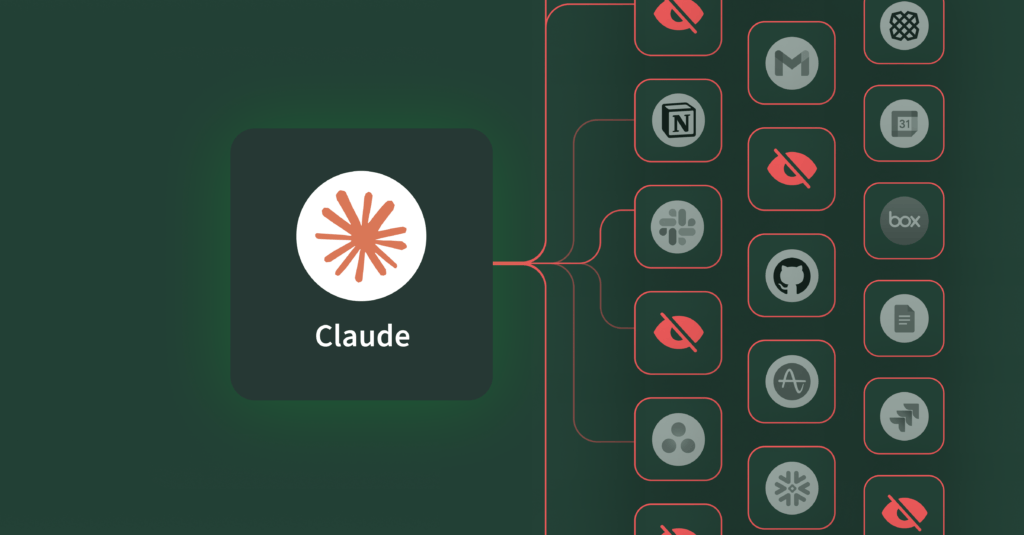
Adding enterprise data access to this equation, like connecting OpenClaw to Gmail, Slack, Jira, Google Drive, or other business tools, the stakes get even higher.
Practical advice to users
If you’re planning to try OpenClaw, here are a few minimum precautions I’d recommend.
Put it inside a sandbox
Consider running OpenClaw in a containerized or virtual environment rather than a direct install on your primary work computer. The reason for doing this is to minimize the attack surface, keeping your private and business work folders and files out of arms (claws) reach. You might have seen people buying dedicated Mac Minis just to run OpenClaw safely. But before you drop a thousand dollars on new hardware, let’s look at some virtualized options. These methods provide the same isolation at zero cost and are readily available.
Personally, I’ve tried OpenClaw in a Docker container (on my work computer), a headless hobby Linux server, and finally on an Ubuntu Desktop instance running on VirtualBox – which ended up being my favorite environment. VirtualBox is free open-source full virtualization software that runs on Mac and Windows. Ubuntu Desktop might seem a little heavy compared to a headless image, but having the GUI and browsers removes the need for remote browser control or a web-browser proxy sidecar.
Alternatively, you can also spin up OpenClaw with a cloud hosting provider. Maybe you’ve seen the thousands of YouTube videos advertising virtual hosting for OpenClaw. If you’re going that route, I recommend looking at DigitalOcean, a trusted infrastructure provider that has written several blog posts on how to run OpenClaw more securely. They even got it down to a one-click deployment.
Side note: If you insist on running it on your local machine with Docker, remember that Docker provides process isolation, but it does not inherently protect your local filesystem. Setting up strict volume mapping and least privilege runtime controls is critical.
Create a distinct AI model API key for OpenClaw
When setting up OpenClaw, you’ll be asked to select an AI model provider (e.g. OpenAI, Anthropic, Google, MoonShot, OpenRouter, etc.) and an API key. Be sure to create a distinct API key just for your OpenClaw instance, so you can track usage and spend. Many of these platforms allow you to set rate or spend limits, and that’s probably a good idea. Personally, I’ve mostly been using OpenAI (with API key) and the openai/gpt-5.1-codex-mini model, and on the heaviest days of testing, token spend was less than $1 USD.
Side note: Some platforms require you to explicitly set which models an API key can access.
Configure OpenClaw with the bare minimum
Don’t install every available skill during setup. You’ll be tempted to install dozens of OpenClaw skills and plugins that are essentially “out-of-the-box” (selectable during installation process), but start small. You can add capabilities deliberately, one at a time, as you need them. Not only will this help to reduce context bloat, but it will also limit the blast radius if something goes south. Some skills may seem to get bundled in by default, which you can disable if you’re not planning on using them.
Resist the temptation to connect your enterprise data
You should treat OpenClaw as an experiment and learning experience in agentic AI. Even if you do manage to install and run OpenClaw in a sandboxed environment, I recommend against connecting your enterprise apps and data from the start. If you do want to connect with external services, create and use test accounts. Once you connect those accounts, you can ask OpenClaw to populate them with mock data.
Rather than wager the keys to the kingdom, I went the way of using test accounts on tools that we use at our company – an old Gmail account filled with gigabytes of spam, a personal Jira instance with mock projects, and a newly minted free Notion account.
How OpenClaw connects to your data
Because it’s an open platform, there are numerous ways that OpenClaw can communicate with external systems and your accounts. Many of these capabilities are bundled as skills or plugins that use an API key (personal access token). Another way is over MCP, which OpenClaw supports today through mcporter, a bundled open-source tool for managing and calling MCP servers.
For my tests, I wanted OpenClaw to access my Jira, Gmail, and Google Calendar test accounts. Instead of using the bundled skill “GOG” (Google Workspace CLI) or the Jira plugins from ClawHub (all of the top Jira skills were flagged as “suspicious”), I used an MCP server connection to Barndoor. Adding the Barndoor MCP server was as simple as asking OpenClaw to add and authenticate. In just a few minutes, I was requesting summaries on open Jira issues, creating mock calendar events, and asking OpenClaw to compose silly limericks and haikus to send over Gmail.
When connecting your data, use access controls
Ultimately, you may end up wanting to graduate from the tinkering stage, and connect your actual work accounts to OpenClaw. My advice? Nope. It’s not worth the risk.
That being said, if you’re throwing caution to the wind, realize that governance is critical.
When connecting OpenClaw (or any agentic AI software) to your enterprise applications and data, you need granular control over what actions the agent can perform. Can it read emails, but not send them? Create documents, but not delete them? Should I require human-in-the-loop confirmations before executing certain operations? How agentic AI accesses your resources shouldn’t be all-or-nothing. Nor should you rely on prompts as guardrails. Security must be deterministic, especially because LLMs aren’t.
For example, not all MCP server tool calls should be made available to OpenClaw. Turning off tools that have powerful write, update, or delete operations is probably a good place to start. If I were working with my actual work accounts, I might restrict OpenClaw to only certain Jira projects, read access to certain Slack rooms, or write access on specific Notion pages. This kind of access control and governance is absolutely necessary when opening up your data to agentic AI tools.
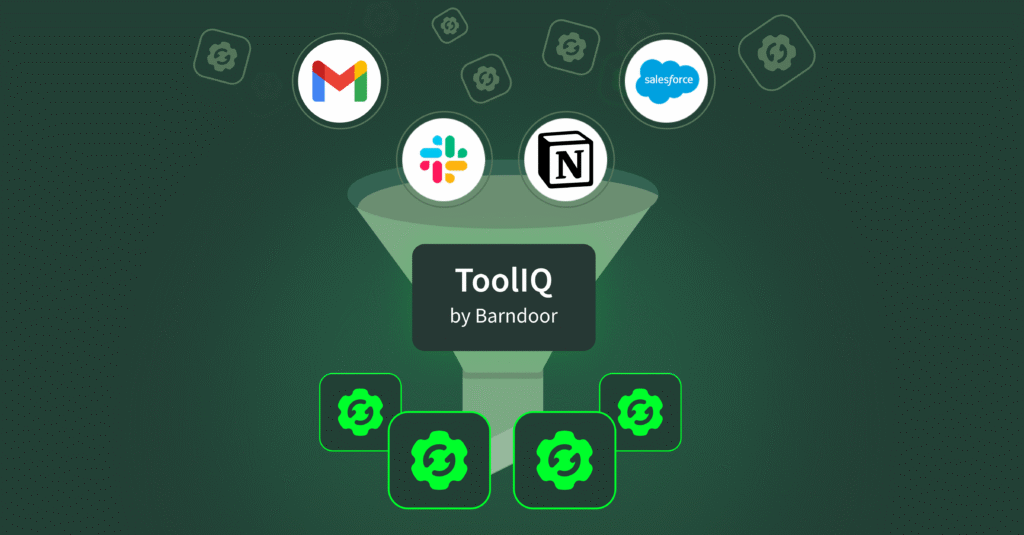
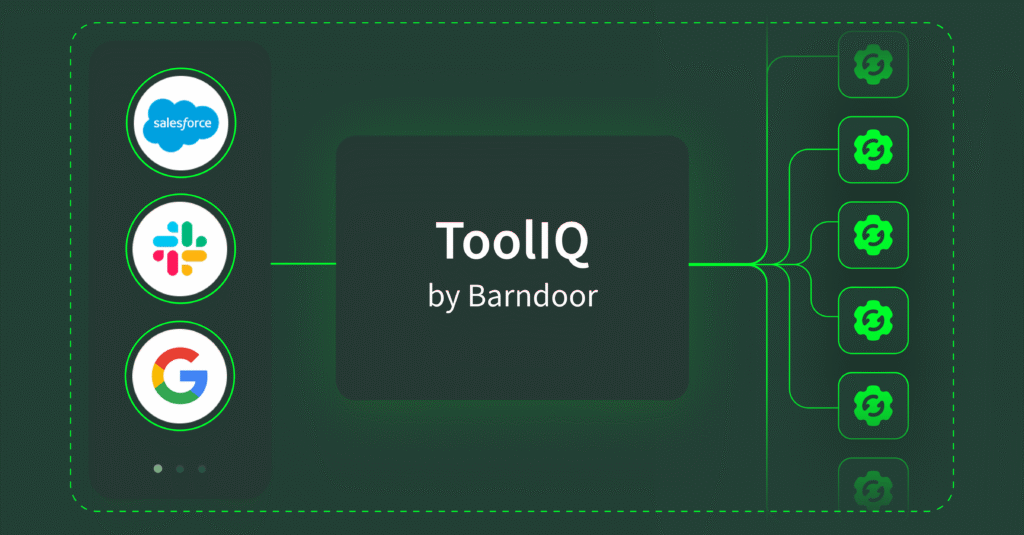
Strong AI governance tools provide a unified gateway of managing permissions across multiple SaaS integrations. For example:
- Control which actions are allowed (read vs. write vs. delete)
- Turn off capabilities you don’t need with a single click
- Maintain consistent security policies across all your AI tools
Understand how fast OpenClaw is moving
Speaking of governance, most OpenClaw tutorials focus on what’s possible, not what’s secure. The OpenClaw project moves fast. Last week, there were about 900 pull requests (often called a PR) which are “review-first” submissions of new work submitted by community members. Today there are over 3,000 and 100+ PRs submitted every day. On any given day, there may be somewhere between 10 to 30+ code changes merged into the main branch. Security documentation exists and is improving, but average users are not likely to review complex configurations and sandbox settings, let alone know how to implement them effectively.
Share your experiences
The rapid evolution of AI means we as a security community are all learning and responding in real time. As more organizations experiment with emerging AI tools such as OpenClaw, we need to share lessons learned – what works, what doesn’t, and what security measures make sense.
As these tools become more capable, and underlying LLMs more powerful, we need to pay attention to what access we grant them, how we monitor those actions, what safeguards we put in place, and how to balance autonomy with control.
Before you install OpenClaw, remember to understand that you’re accepting risk; recognize that it is a new open-source project, that despite its popularity and buzz, has not been hardened and is built for experimentation. Commit to being deliberate about the capabilities and skills you’re enabling, as those may also introduce additional security vulnerabilities.
We’re all navigating this together. Have you come up with a security best practice for OpenClaw or other AI agents? We’d love to hear what’s working (and what isn’t) Share your experiences with us.
Interested in secure AI governance for your enterprise applications? The Barndoor team is here. Reach out or start a 14-day trial.